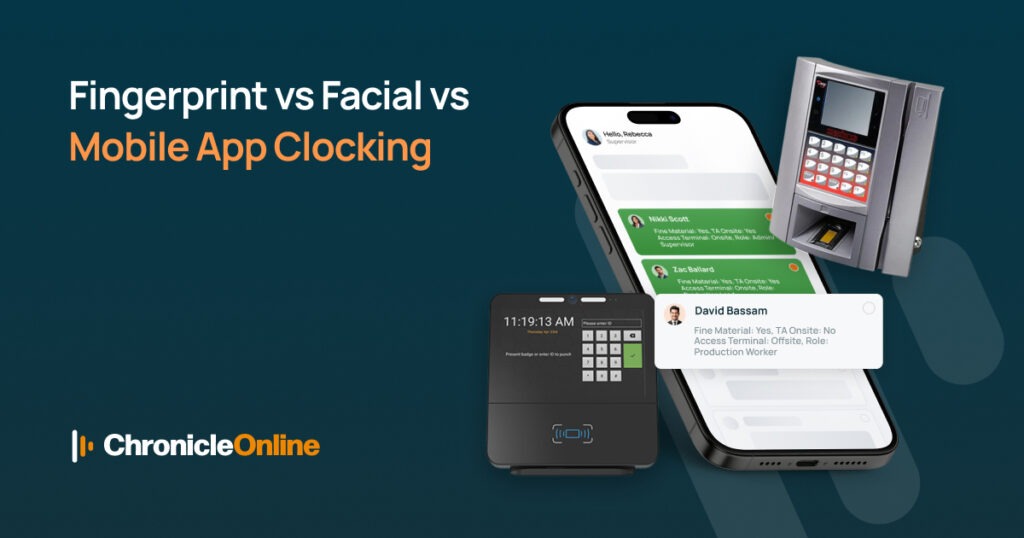
Quick Answer: A fingerprint terminal suits fixed-site teams and stops buddy punching. Facial recognition suits busy, contactless entry points. Mobile app clocking suits remote and field-based staff. Most UK businesses end up using a mix of all three inside a one time and attendance software platform, with everything reporting into a single dashboard.
Why Your Clocking Method Choice Actually Matters
Picking the wrong clock in a system for small business isn’t just an inconvenience, it costs real money. Buddy punching, rounded-up timesheets, and manual data entry errors quietly eat into wage budgets every single week. The right system removes the guesswork and gives you accurate hours from day one, as we cover in more detail in Boost Productivity with Time and Attendance Software.
Many businesses stick with paper timesheets or spreadsheets far longer than they should, mainly out of habit. But manual systems are slow to process, easy to manipulate, and prone to human error at payroll time especially as headcount grows, which is exactly why so many UK firms are switching to digital tracking, as explained in Manual Time Tracking: Why UK Firms Are Switching.
Fingerprint Terminals: The Reliable All-Rounder
A fingerprint terminal captures a unique biometric print and matches it instantly against a stored template. There’s no card to lose, no PIN to forget, and most importantly no way for one employee to clock in for another. Chronicle’s Biometric Terminals range is built specifically around this level of accuracy.
This method works best where staff clock in from one fixed location every day, think warehouses, factories, offices, and construction depots. It’s low-cost hardware, low maintenance, and one of the most trusted clocking methods among UK payroll teams. For food production or wash-down environments, our IP65-rated Waterproof Terminals offer the same fingerprint accuracy built to survive tougher conditions.
For sites without fixed power or a stable network connection, our Portable Biometric Terminals keep the same biometric reliability without needing permanent installation, ideal for temporary sites or mobile depots.
Facial Recognition Terminals: Fast and Fully Contactless
Facial recognition terminals use a camera to match a staff member’s face against a stored profile, clocking them in within one to two seconds, not touching a shared device at all. Chronicle’s Facial Recognition Terminals bring this contactless speed to busy sites.
This is the fastest clocking method available, which makes it ideal for busy shift changeovers where dozens of staff need to clock in within a few minutes of each other. It also suits food production and healthcare settings where hygiene is a priority. You can compare terminal packages and costs across all our devices on the Pricing page.
One thing worth planning for: facial recognition processes biometric data, so UK GDPR requirements around consent and data retention apply. It’s worth having a short, clear policy ready before rollout so staff understand exactly how their data is stored. Our FAQ page covers common questions on data security and compliance.
Mobile App Clocking: Built for Remote and Field Teams
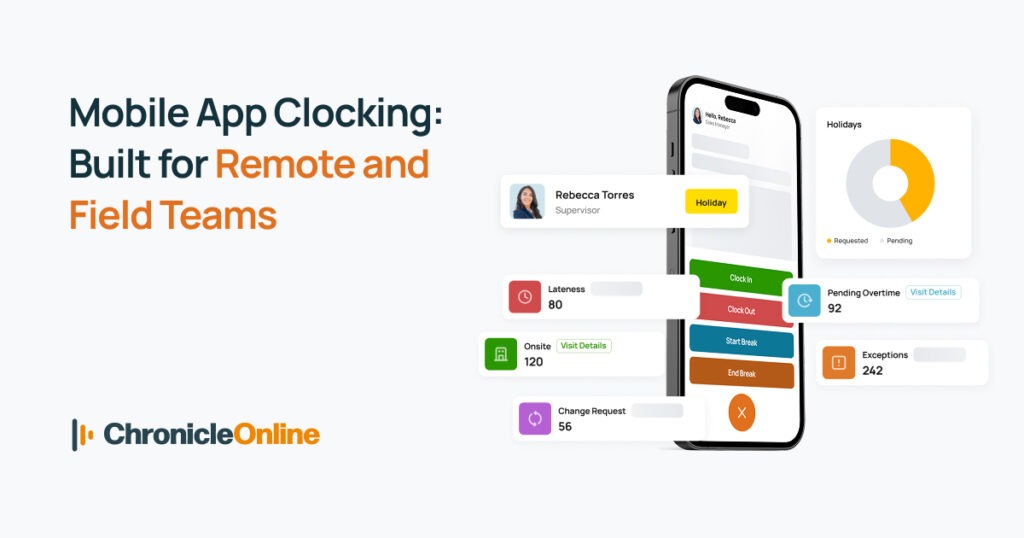
Not every business has a single entry point for staff to clock in at. Delivery drivers, care workers, engineers, and sales reps rarely start their shift in the same place twice which is exactly where Smart Phone Clocking earns its keep.
Staff simply clock in and out from their own device, often with location tagging to confirm they were at an approved site. There’s no hardware to buy, and new starters or new locations can be added instantly, no terminal installation required. Managers can also approve hours and check live team status on the move using the Manager App.
The main thing to plan for here is device and signal reliability. A mobile-first system works brilliantly, but it should rarely be your only clocking method if part of your team also works from a fixed site Chronicle’s time and attendance software is designed to combine terminals and mobile clocking in one dashboard, so this isn’t an either-or decision.
Comparing All Three at a Glance
Fingerprint terminals offer the strongest accuracy-to-cost ratio for fixed sites. Facial recognition offers unmatched speed for busy, contactless environments. Mobile app clocking offers flexibility for anyone who isn’t tied to one location. None of the three is universally “best”; the right choice depends entirely on how and where your team actually works. If you’re unsure which fits your business, our team can talk it through on a free demo.
You Don’t Have to Pick Just One
Most growing UK businesses use more than one method. A company with an office, a warehouse, and a delivery fleet might use fingerprint terminals at the depot and mobile clocking for drivers with everything reporting into the same time and attendance system, so nothing needs reconciling by hand.
Getting the Data Into Payroll
Clocking accurately is only half the job the hours then need to reach payroll without manual re-entry. A fingerprint time clock Xero integration means captured hours flow straight through to your accounts, cutting out transcription errors completely. Chronicle connects directly with Xero to make this automatic.
If you use a different payroll provider, the same principle applies: automated data flow beats manual entry every time, whichever platform sits at the end of the chain. Chronicle also offers a direct Staffology Payroll integration for the same seamless sync.
Frequently Asked Questions
Which clocking system is best for a small business?
For most small businesses with a fixed site, a fingerprint terminal offers the best balance of cost, accuracy, and simplicity. Field-based teams usually start with mobile app clocking instead.
Does a fingerprint time clock work with Xero?
Yes. Chronicle Online’s fingerprint terminals integrate directly with Xero, so hours worked flow straight into payroll automatically.
Is facial recognition clocking GDPR compliant?
It can be, provided staff consent and data retention are handled correctly. Chronicle Online’s terminals are built with UK GDPR requirements in mind.
Can I combine more than one clocking method?
Yes, many customers use terminals for on-site staff and mobile app clocking for remote teams, all reporting into a single system.
Ready to Choose the Right System?
Not sure which clocking method fits your team? Start a free trial – no card required or view pricing to compare packages across fingerprint, facial recognition, and mobile clocking.