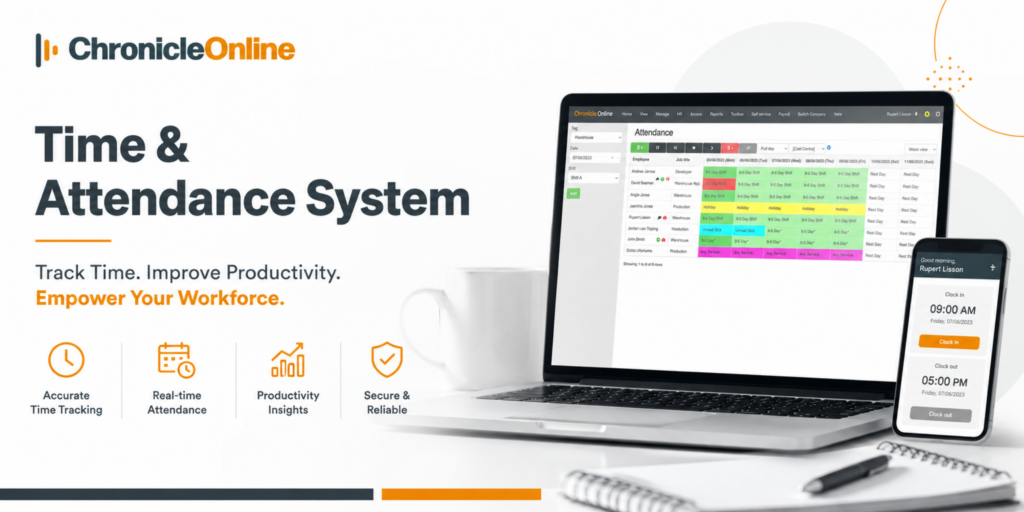
Managing a workforce has never been straightforward. Whether you run a manufacturing site, a multi-branch retail operation, or a growing professional services firm, keeping accurate records of when people start, finish, and take breaks is one of those tasks that quietly eats up more time than it should.
Paper timesheets get lost. Spreadsheets fall out of date. Manual processes lead to payroll disputes. And before long, something that should take minutes turns into hours every week. This is why many UK businesses are now taking a closer look at how they manage employee hours – and why modern time and attendance system solutions have become central to daily operations.
What Has Changed About Employee Time Tracking?
Not long ago, most companies relied on a physical signing-in book or a basic clocking machine. These methods worked well when teams were small and based in a single location, but they show their weaknesses quickly as a business grows.
The most obvious problem is accuracy. When employees fill in their own timesheets, small errors creep in – a forgotten break here, a few extra minutes there. Multiply that across a team of fifty people over twelve months, and the payroll impact can be significant.
Beyond accuracy, there is also the question of visibility. A manager overseeing staff across multiple departments or sites cannot physically monitor attendance in real time. Without a reliable system in place, decisions are made on incomplete information – affecting shift planning, absence management, and overall workforce planning.
Does Payroll Accuracy Really Depend on How You Track Hours?
Yes – and this is where automation becomes essential.
When hours are recorded manually, even small errors can lead to underpayments or overpayments. Underpayments affect employee trust, while overpayments directly increase business costs.
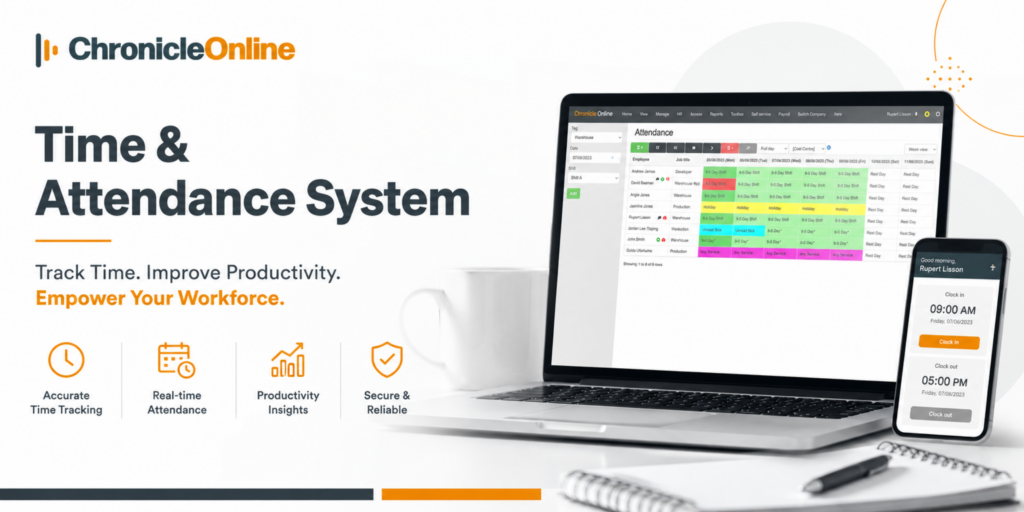
The issue is not employee error – it is a system limitation. Manual processes simply cannot maintain consistent accuracy at scale.
Businesses using automated time and attendance systems report:
- Fewer payroll discrepancies due to accurate digital records
- Reduced admin workload as calculations are automated
- Improved trust between employees and management
- Faster payroll processing cycles with fewer corrections needed
- Better financial visibility across wage structures
In short, accuracy improves because the system removes dependency on manual input.
Is a Cloud-Based Approach the Right Fit?
Think about how your business operates daily. Managers move between departments, employees work across different sites, and some teams operate remotely. Yet payroll still depends on manually collected attendance data.
This is exactly the challenge a cloud-based attendance system is designed to solve.
Instead of relying on disconnected tools or local storage, cloud systems centralise everything into one secure platform. Managers can access real-time attendance data from anywhere, ensuring full visibility at all times.
For multi-location businesses, this becomes even more powerful. A cloud platform removes the need to maintain separate records at each site and brings all data into one unified dashboard.
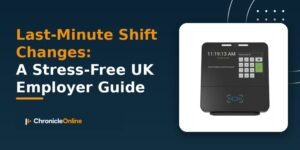
When paired with biometric hardware such as fingerprint or facial recognition devices, accuracy improves further by ensuring only the correct employee can clock in.
How Does It All Connect to Payroll?
This is where businesses typically see the clearest return on investment.
Traditional methods require someone to manually transfer hours from timesheets into a payroll system. That process is slow, easy to get wrong, and places an unnecessary burden on whoever is responsible for it. A small error at this stage can trigger a payroll dispute that takes far longer to resolve than it should.
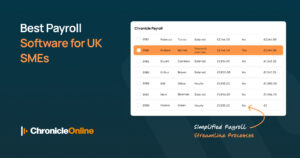
Modern workforce platforms remove this step entirely. Once employees clock in and out, the system does the heavy lifting automatically. Here is what that looks like in practice:
- Shift rules are applied instantly – overtime rates, break deductions, and any applicable allowances are calculated without anyone having to do the maths manually.
- Payroll-ready exports are generated automatically – clean, accurate figures that are ready to pass through to your payroll provider without any re-keying.
- Direct integration with tools like Xero means the data flows straight through, removing the risk of errors introduced during manual entry.
- Records are stored securely – giving you a reliable audit trail that can be produced quickly if it is ever needed.
There is also a compliance benefit worth keeping in mind. UK Working Time Regulations require employers to maintain accurate records of hours worked. An automated system handles this as a matter of course, rather than something your team has to remember to document separately.
What Should You Look for When Choosing a Solution?
Not every platform is built the same way, so a few things are worth checking before you commit.
Ease of use should be near the top of your list. A system that managers find confusing or time-consuming will not be used consistently, which defeats the purpose entirely. The best platforms have clean interfaces and can be picked up quickly without extensive training.
Implementation support matters too. Switching from a manual process always involves a learning curve, and having a provider who handles the technical setup and remains reachable when questions arise makes that transition considerably smoother.
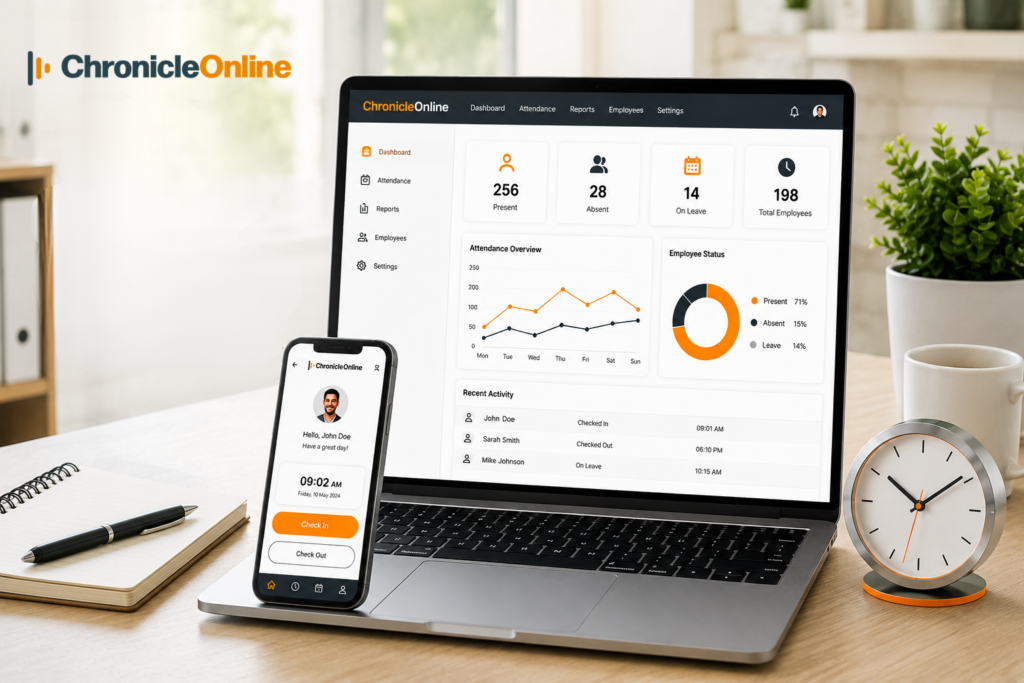
Finally, think about scalability. A solution that works well for twenty employees should still perform reliably when you have two hundred. Choosing a platform that can grow alongside your business saves you from having to go through the whole process again in a few years.
Chronicle Online is a UK-based platform built with these priorities in mind. It offers biometric clocking, cloud-based data management, direct payroll integration including Xero, and UK-based support – all within a system designed specifically for British businesses and their compliance requirements. Most organisations live within two to four weeks of sign-off.
You can also explore Chronicle’s full guide to the Best UK Time and Attendance Tools for Workforce Tracking for a wider comparison of available solutions.
Final Thoughts
Workforce tracking may not be the most visible part of running a business, but it has a direct impact on payroll accuracy, staff trust, compliance, and overall cost control. Over time, even small errors in tracking can create larger operational and financial issues.
The shift toward automated employee hour tracking is focused on reducing manual effort, minimizing errors, and improving day-to-day decision-making. If your current process still relies on spreadsheets or manual timesheets, a connected workforce platform can offer a more efficient and reliable approach.
FAQs
1. How long does implementation usually take?
Most businesses go live within two to four weeks, depending on complexity and setup requirements.
2. Is biometric clocking compliant with UK GDPR?
Yes, when properly implemented with consent and secure data storage practices.
3. Can remote employees be tracked?
Yes, cloud systems support mobile and browser-based clock-ins with optional GPS verification.
4. What if the internet connection is lost?
Most systems store data offline and sync automatically once connectivity returns.
5. Is it worth replacing spreadsheets?
Yes, automation reduces errors, saves time, and improves payroll accuracy significantly.