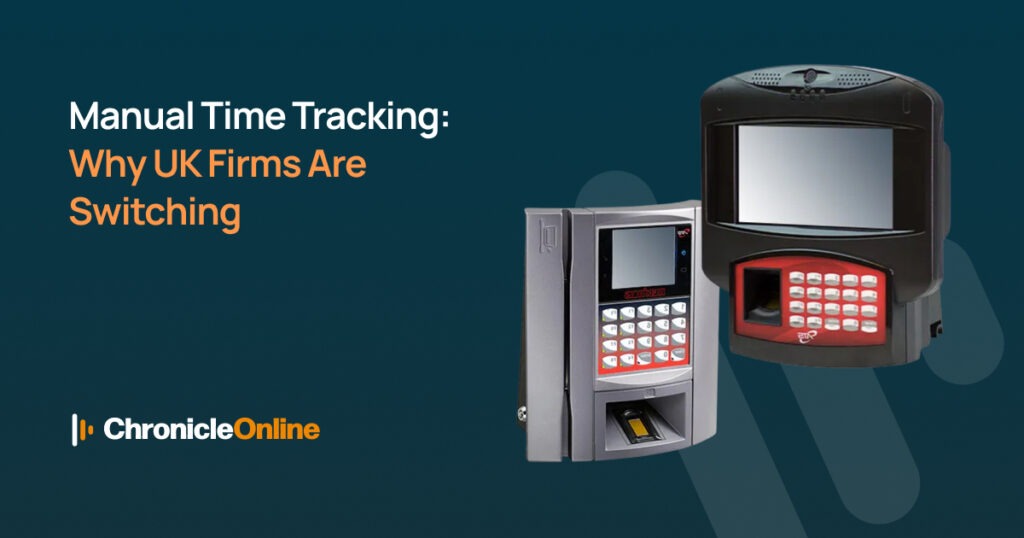
| “Quick Answer: UK businesses are moving away from manual time tracking because paper timesheets and spreadsheets are slow, error-prone, and offer no real-time view of hours worked. Time and attendance software UK automates clock-ins, flags missed breaks or unauthorised overtime before payroll runs, and creates a clean audit trail. Used alongside a joined-up HR software solution, most businesses cut several hours of admin a week and see a measurable drop in payroll errors within the first few months.“ |
Introduction
For years, tracking employee hours meant a signature on a sheet, a punch card, or a spreadsheet somebody remembered to update on a Friday afternoon. It worked, more or less, when teams were small, and everyone worked the same shift pattern. It stops working the moment a business grows – more sites, more shift patterns, more people to chase for a missing entry.
That’s the point at which most UK employers start looking seriously at time and attendance software UK providers, and it’s why the shift away from manual tracking has picked up pace across retail, hospitality, manufacturing, care and professional services alike. This article looks at what’s actually driving the change, what a modern system replaces, and how it fits alongside a wider HR software solution.
The Hidden Cost of Manual Time Tracking
Manual tracking looks free because there’s no software subscription attached to it. The cost doesn’t disappear, though – it just moves somewhere less visible, into wasted admin hours, payroll corrections, and compliance risk that nobody notices until there’s a problem.
| Manual Method | Common Problem | Knock-on Effect |
| Paper timesheets | Illegible, late or missing entries | Payroll delays and repeated queries |
| Spreadsheets | Broken formulas and copy-paste errors | Over or underpayment of wages |
| Punch cards | Buddy punching (clocking in for a colleague) | Inflated hours and a higher wage bill |
| Verbal or trust-based logging | No audit trail or supporting evidence | Hard to prove compliance if challenged |
Why UK Businesses Are Making the Switch
Nobody enjoys chasing HR to check a holiday balance, or querying a payslip that doesn’t look right. Self-service apps let staff check their hours, book annual leave and view their rota from a phone, cutting down on the back-and-forth that otherwise eats into a manager’s day.
What Good Time and Attendance Software UK Looks Like
Systems vary a great deal in practice. When comparing options, it’s worth checking for:
- Flexible clocking methods: mobile app, biometric, PIN or swipe card so every team can use what suits them
- Automatic exception alerts for missed clock-ins, late arrivals or unauthorised overtime
- Direct payroll integration, so hours flow through without manual re-entry
- Genuinely audit-ready Reporting, not just a spreadsheet export
- Room to scale as headcount, sites or shift patterns grow
| Manual Tracking | Digital Time and Attendance Software |
| Paper or spreadsheet-based | Cloud-based, accessible from anywhere |
| Errors spotted after payroll runs | Exceptions flagged before payroll runs |
| Difficult to evidence compliance | Full audit trail built in |
| Hours re-keyed manually into payroll | Automatic payroll integration |
| One method for the whole business | Mixed clocking methods per site or team |
Chronicle Online’s time and attendance software page runs through the clocking methods, reporting tools and compliance features available to UK businesses of every size.
A Closer Look: Biometric and Mobile Clocking
One reason manual systems fail is that they rely on trust — a signature or a PIN can be shared, forgotten, or filled in after the fact. Biometric and mobile clocking remove that ambiguity, tying each clock-in to the individual employee, wherever they’re working from.
For a closer look at how this works and what to check for GDPR purposes, see why businesses choose biometric time and attendance systems.
Case in Point: Moving a Multi-Site Business Off Manual Tracking
The challenge isn’t unique to any one sector. Businesses with a head office, a production or warehouse site, and staff working different shift patterns all hit the same wall with manual tracking: no single method fits every team, and reconciling several different records before payroll becomes a monthly headache.
The Carwood case study documents exactly this kind of shift a multi-site business consolidating fragmented manual processes into one cloud-based source of workforce data, with rules applied consistently across every site.
Time and Attendance Doesn’t Work Alone: The Case for an HR Software Solution
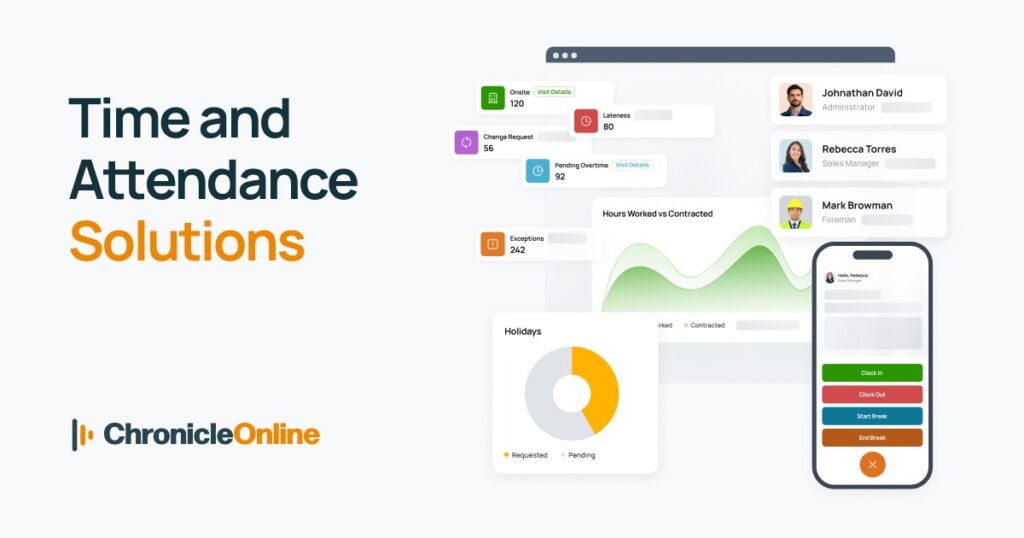
Clocking in and out is only one part of managing people. Holiday requests, employee records, onboarding paperwork and absence tracking tend to live in the same tangle of spreadsheets and filing cabinets that time tracking used to. Pairing time and attendance software UK with a broader HR software solution means employee data, hours and leave all sit in one secure system, rather than three that don’t talk to each other.
Chronicle’s HR software solution brings personnel records, absence management and compliance tools into the same platform as time and attendance, so HR teams stop duplicating work across disconnected systems.
| “Expert Tip: Before buying separate tools for time tracking and HR, check whether they actually share the same database. Two systems that don’t integrate can create just as much manual re-keying as the paper process you’re replacing.“ |
For more on this, how HR software reduces administrative workload covers the day-to-day tasks that disappear once time and attendance and HR data are brought together.
Making the Switch: A Practical Roadmap
1. Audit your current process: note every method currently used to log hours across sites and teams.
2. List your must-haves: overtime rules, break monitoring, mobile clocking, multi-site reporting.
3. Check payroll compatibility: confirm the system integrates with the payroll provider you already use.
4. Run a pilot: trial the system with one team or site before rolling it out fully.
5. Roll out in phases: expand site by site, with a clear point of contact for questions.
Conclusion
Manual time tracking rarely fails all at once; it just quietly costs a business more each month, in wasted admin hours, payroll corrections, and compliance risk that’s hard to spot until it becomes a problem. Moving to proper time and attendance software UK, ideally as part of a wider HR software solution, turns that slow leak into a system that pays for itself: cleaner payroll, fewer disputes, and hours back for the people who’d rather be running the business than chasing timesheets.
| Ready to see it in action?Book a free demonstration with Chronicle Online or start a 14-day free trial to see how quickly your business could move away from manual time tracking. Get in touch with our team today to talk through your specific working rules and shift patterns. |
Frequently Asked Questions
What is time and attendance software?
It’s a digital system that automates the recording of when employees start and finish work, replacing punch cards, paper sign-in sheets and spreadsheets with accurate, centralised data that feeds straight into payroll.
What is the best time and attendance system for a small UK business?
The best system depends on the number of sites, shift complexity and budget, but small businesses generally do well with a cloud-based platform offering mobile clocking, automatic overtime rules and simple payroll integration, without paying for enterprise-level features they don’t need.
How much can time and attendance software UK save my business?
Savings vary by business size and existing process, but many UK companies see a noticeable reduction in wage bill costs after implementation, largely from eliminating buddy punching, rounding errors and manual payroll corrections.
Can time and attendance software integrate with payroll?
Yes. Most modern systems, including Chronicle Online, integrate with leading UK payroll providers such as Xero, Sage and Shape Payroll, so hours worked flow directly into payroll without manual re-entry.
Is biometric clocking GDPR compliant?
Biometric time tracking can be fully GDPR compliant when it’s implemented with proper consent, secure data storage and a clear retention policy – reputable providers build these safeguards into the system from the outset.
Do small businesses need an HR software solution as well as time and attendance software?
Not always straight away, but as headcount grows, combining the two into a single HR software solution removes duplicate admin around holiday, absence and employee records, and keeps everything auditable in one place.