Quick Summary
Facilities teams juggle multiple sites, shift patterns, contractors and compliance requirements often with limited insight into who is actually on-site at any given moment. This gap, known as poor workforce visibility, quietly drains budgets through unplanned overtime, understaffed shifts, payroll errors and missed compliance obligations. The fix isn’t more spreadsheets or more phone calls between site managers, it’s proper workforce management software UK teams can trust, paired with an accurate employee clock in the system. This article explains where the hidden costs come from, and how a modern workforce management system software platform brings clarity back to facilities operations.
What “Poor Workforce Visibility” Actually Means
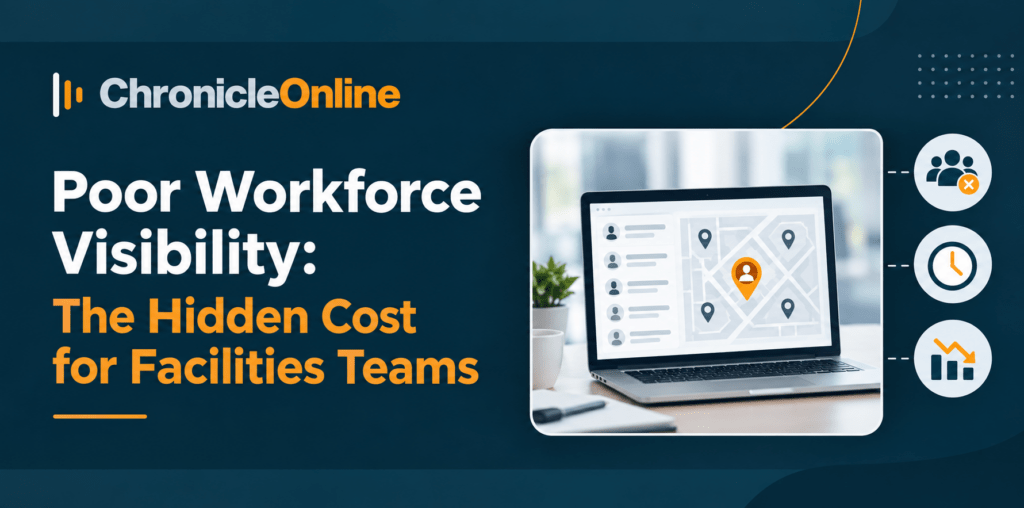
Workforce visibility is simply knowing, in real time, who is working, where, doing what, and for how long. For many facilities teams especially those managing several sites, mobile engineers, cleaners, security staff or contractors this information is scattered across:
- Paper timesheets or manual sign-in books
- Separate spreadsheets per site or per manager
- WhatsApp groups and phone calls for last-minute cover
- Disconnected payroll and rostering systems
When there’s no single source of truth, managers are making staffing and budget decisions based on guesswork rather than facts. That’s where the hidden costs begin.
The Hidden Costs Facilities Teams Rarely Track
1. Unplanned Overtime and Budget Overruns
Without live data on hours worked, it’s easy for overtime to creep up unnoticed across multiple sites. A time and attendance solution that flags hours in real time stops small overruns from becoming a significant year-end surprise.
2. Understaffed or Overstaffed Shifts
Poor visibility means facilities managers often over-schedule “just in case” or worse, under-schedule because they didn’t realise a site was already short-staffed. Reliable employee availability data prevents both problems.
3. Payroll Errors and Disputes
Manual timesheets are prone to human error, rounding mistakes, and even accidental duplication. An accurate employee clock in the system removes the guesswork and gives payroll teams a clean, auditable record.
4. Buddy Clocking and Time Theft
Where sign-in is manual, it’s not uncommon for one worker to clock in for a colleague who’s running late, a practice that quietly costs UK businesses real money over a year. It’s worth understanding the real cost of time theft for UK businesses before assuming it’s not happening on your sites.
5. Compliance and Safety Risks
Facilities teams have a duty of care to know who is on-site, particularly for fire safety, lone working, and health and safety obligations. Without visibility, a fire warden can’t accurately confirm who’s been evacuated, and managers can’t prove compliance with the Working Time Regulations 1998 if challenged.
Why Spreadsheets and Manual Processes Fall Short
Spreadsheets feel manageable when there’s one site and a handful of staff. But as facilities operations grow more sites, more contractors, more shift patterns, manual tracking breaks down fast. Common failure points include:
- Version conflicts when multiple people edit the same file
- No real-time updates when a shift changes at short notice
- Difficulty consolidating data across sites for reporting
- No automatic flags for missed breaks, excessive hours, or late arrivals
A proper comparison of scheduling software vs spreadsheets makes the gap clear: spreadsheets only tell you what happened after the fact, while software tells you what’s happening right now.
What Good Workforce Visibility Looks Like
Modern workforce management systems give facilities teams a live, centralised view of their entire operation. Typically, this includes:
- Real-time dashboards showing who’s clocked in, at which site, and for how long
- Automated alerts for missed clock-ins, unauthorised overtime, or approaching hours limits
- Mobile and app-based clocking for engineers and staff working across multiple locations
- Biometric verification to eliminate buddy clocking and confirm identity accurately
- Centralised reporting across all sites, rather than manually consolidating spreadsheets
- Integration with payroll, reducing manual data entry and errors
This is the core promise of good workforce management software UK businesses are increasingly adopting not just clocking in and out, but a complete, accurate picture of the workforce at every moment.
How Employee Clock In the Systems Fit the Bigger Picture
An accurate employee clock in the system is the foundation that everything else builds on. Whether it’s a biometric fingerprint terminal, a facial recognition terminal, or smartphone-based clocking for mobile teams, the goal is the same: capture accurate, tamper-resistant data at the point of work.
For facilities teams specifically, this matters because staff are often spread across multiple buildings or even multiple client sites. A cloud-based attendance system means data from every location feeds into one dashboard, rather than sitting in isolated systems that nobody has time to reconcile.
If you’re deciding between clocking methods for a mixed workforce, our breakdown of fingerprint vs facial recognition vs mobile app clocking is a useful starting point.
The Business Case for Investing in Workforce Management System Software
Facilities managers are often under pressure to cut costs, not add new software subscriptions. But the return on investment tends to show up quickly:
- Reduced overtime spend through real-time hours tracking
- Fewer payroll disputes thanks to accurate, timestamped records
- Lower compliance risk with automatic flags for working time breaches
- Time saved on manual admin, rota building, and reconciling timesheets
- Better decision-making, since managers can see workforce data across every site instantly
For a fuller picture of what to look for, it’s worth reading about the top features of workforce management system software and how they translate into day-to-day savings.
Bringing It All Together
Poor workforce visibility isn’t just an inconvenience for facilities teams, it’s a genuine, ongoing cost that shows up in overtime bills, payroll disputes, compliance risk, and wasted management time. The fix is straightforward in principle: replace fragmented spreadsheets and manual sign-in sheets with proper workforce management systems, backed by a reliable employee clock in the system that gives you the truth in real time.
Whether you’re managing one site or fifty, investing in workforce management software UK teams can rely on means facilities managers stop reacting to problems after the fact and start preventing them before they cost real money.
FAQs
1. What is workforce visibility, and why does it matter for facilities teams?
Workforce visibility means having real-time, accurate data on who’s working, where, and for how long. For facilities teams managing multiple sites and shift patterns, this visibility is essential for safety compliance, accurate payroll, and controlling labour costs.
2. How does poor workforce visibility increase costs?
It leads to unplanned overtime, over- or under-staffed shifts, payroll disputes from inaccurate timesheets, and increased risk of compliance breaches all of which add up over a year without ever showing as one obvious line item.
3. What’s the difference between workforce management software and a basic clocking system?
A basic employee clock in the system records when someone starts and finishes work. Workforce management system software goes further, combining clocking data with rostering, reporting, compliance alerts, and payroll integration into one connected platform.
4. Can workforce management systems work across multiple facilities sites?
Yes. Cloud-based workforce management software UK providers typically consolidate data from every site into a single dashboard, so facilities managers don’t need to manually combine spreadsheets from each location.
5. Is switching to an employee clock in the system disruptive for existing staff?
Modern systems, including biometric and mobile app-based options, are generally quick to roll out and simple for staff to use daily. Most UK businesses see staff adapt within the first few shifts, especially when the change reduces manual paperwork for them too.